
The problem
A spa’s front desk often has several things happening at once: someone arriving, someone asking about a service, and staff helping the guest already in front of them. The website and the tools inside the spa need to support that everyday work.
The work
Built a calm storefront around service discovery and booking, alongside custom client-record, service, gifting, therapist-pay, and reporting workflows. A locally hosted customer-assistance kiosk extends the experience into the lobby.
A helping hand at the front desk
The kiosk gives guests a useful way to explore while staff are busy. They can browse service categories, read descriptions and durations, compare options, and open Ask Dantara for everyday spa questions.
The concierge uses supplied business and service information to explain choices, answer basic questions about the spa and its hours, and suggest relevant screens. Guests choose the next action themselves. For questions that need personal attention, it directs them to staff; that guidance does not send a staff notification.
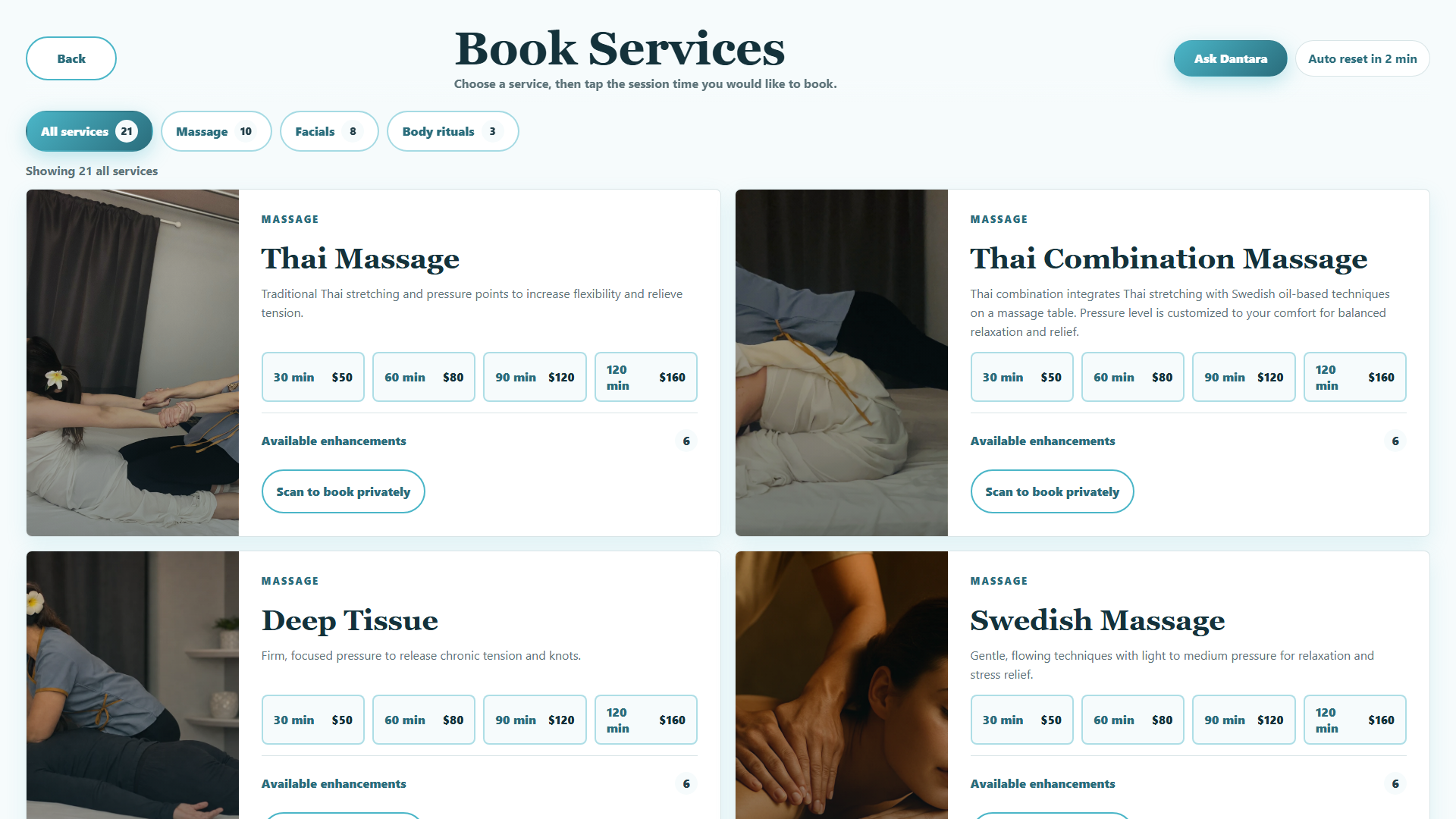
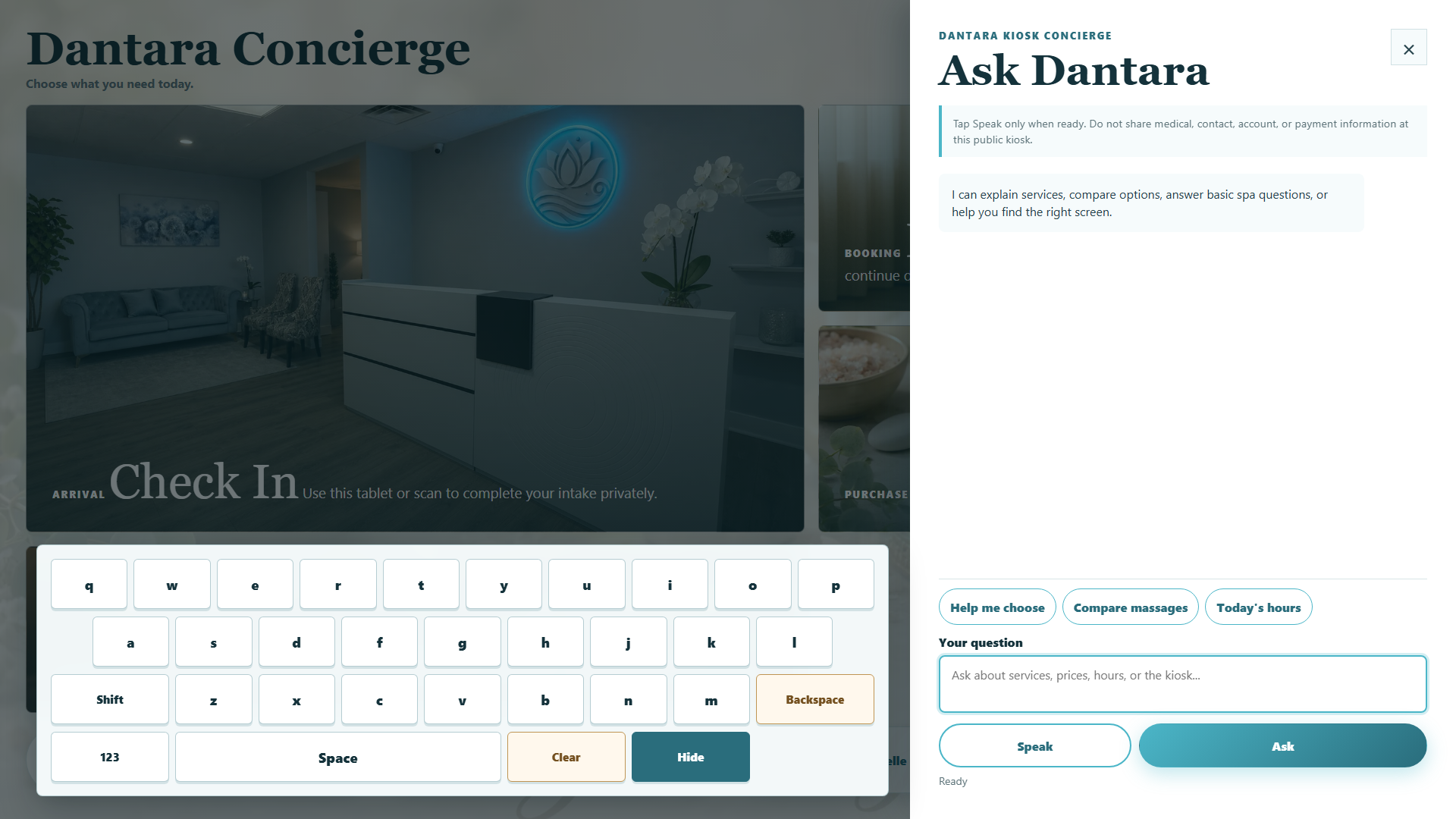
Practical support around the screen
The installation combines local interface assets and cached service content with an online concierge, guest-session resets, and protected staff controls. Maintenance includes content refresh, diagnostics, versioned updates and rollback, with remote work dependent on a working device connection and on-site help when needed.
This is a customer-assistance kiosk for a service business. Trestivo’s learning station is a separate product focused on guided learning.
The result
Guests have another way to learn about services while the team helps someone else. Staff remain available for personal questions and decisions, while the custom tools bring day-to-day spa work into focused views.
Explore customer-assistance kiosks as a JCA offering or talk about your front desk.
Watch the project film. The film shows actual interfaces with synthetic demonstration data; it does not establish deployed authenticated workflow acceptance or measured client results.